Workflow design / Steal my stack
Steal my stack: give every AI tool a clear job
Borrow the workflow thinking behind seven online brands. Map the task, inputs, tools, handoffs, and human checkpoints before adding another app.
In this guide
The useful starting point
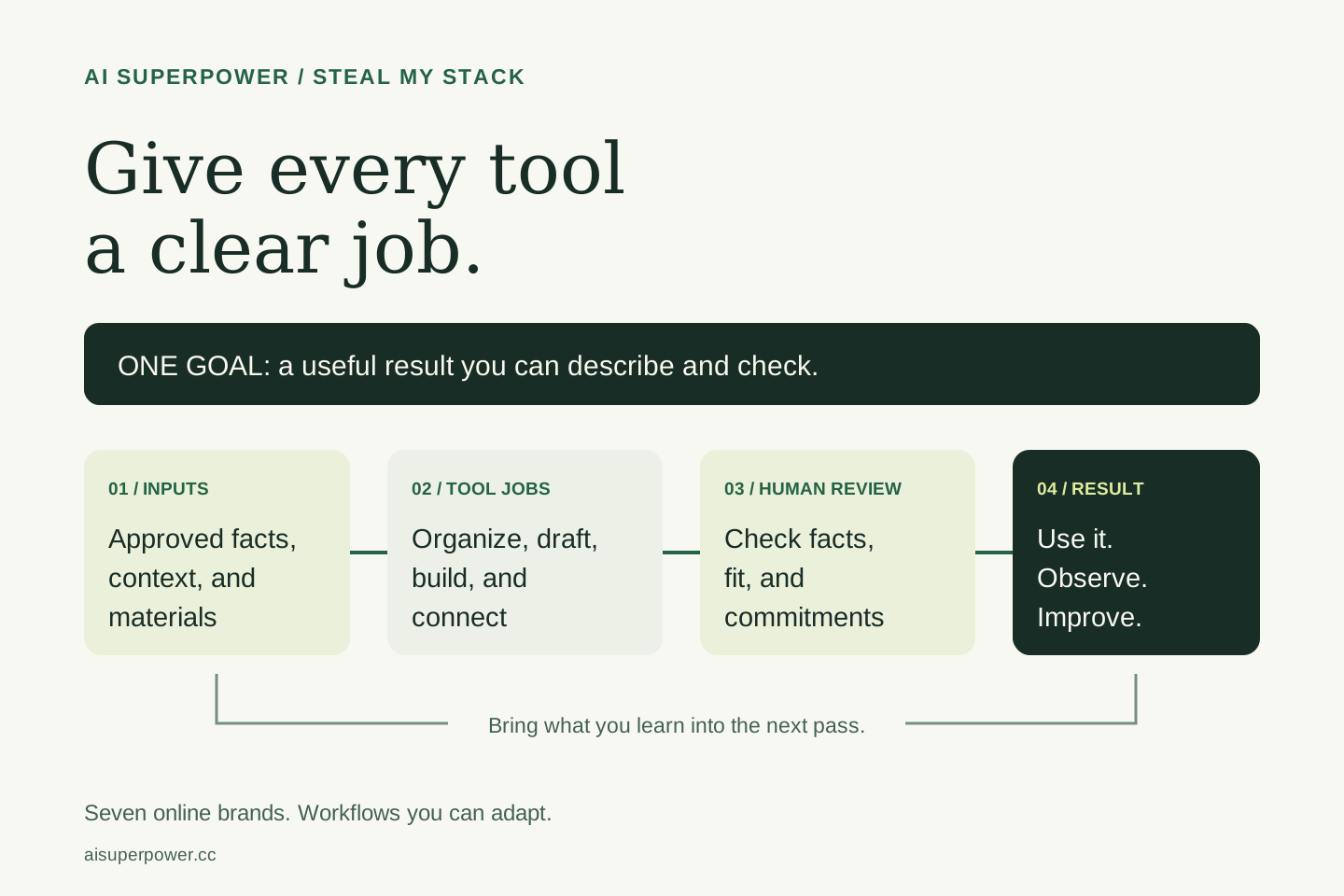
Begin with one result you want to deliver. Map its inputs, steps, and review points, then assign tools to specific jobs. The seven-brand Steal My Stack map shows offers and possible revenue paths; it does not claim that every brand earns income or uses an identical setup.
I built seven online brands and mapped the offers, tools, and workflows behind them. Steal My Stack gives you a way to see how the pieces connect and choose a useful starting point of your own.
AI Superpower's part of the map is about choosing tools for work you can describe. What do you want to finish? What information does the tool need? What should the output contain? How will you know whether it is useful?
Answer those questions before choosing the next app. They give you a brief you can test and a reason for each tool you keep.
Map the job from input to finished result
Consider an illustrative task: turning approved notes into a useful offer page. The inputs might be an audience description, the actual deliverable, the price or scoping process, and evidence you have permission to share. The result is a page a prospective customer can understand and act on.
| Stage | Tool's job | Human checkpoint |
|---|---|---|
| Understand | Organize supplied research and questions. | Check the evidence, context, and missing facts. |
| Create | Draft copy or a page structure from the brief. | Approve the offer, scope, and claims. |
| Build | Help implement the approved page. | Review the layout, links, mobile view, and actions. |
| Deliver | Support the agreed inquiry or purchase process. | Verify the real confirmation and fulfillment. |
| Improve | Organize observations and possible changes. | Decide what the evidence supports and what to try next. |
This is a workflow to adapt, not a report of measured performance. Start with a manual pass on permitted material. It helps expose missing information before you connect more systems.
Separate the tools from the offer
The customer chooses a useful result. The stack helps you produce and deliver it. A tool belongs in your workflow when you can name the job it does and the output the next step needs.
The wider map includes tools from my broader work alongside suggested workflows. It is not a requirement to subscribe to every tool or a claim that every brand runs the same integrations. A small project may need a document, a simple page, and a clear way to respond. More complex work may need application data, payments, or recurring automation.
Use your current setup first where it meets the need. Add a tool when you can identify a real gap, understand the cost and permissions, and check the result.
Write down the handoffs
Many workflow problems appear between steps. A research summary loses its source links. A draft adds an offer you have not approved. A form accepts a request but the person responsible never sees it.
For each handoff, record what is passed along, where it goes, who reviews it, and what happens if it fails. For a public page, keep the approved brief with the draft. For an inquiry, define the acknowledgement and owner. For a paid product, check the actual payment and delivery before describing the flow as complete.
Human checkpoints are especially useful where the work changes meaning: from an idea to a claim, a draft to a publication, or an inquiry to an agreed project. Give the reviewer enough context to make that decision.
Run a small, fair tool trial
- Choose one task you understand well enough to evaluate.
- Give each option the same permitted input and expected output.
- Review factual accuracy, completeness, usability, and the effort needed to correct it.
- Record subscription costs and any setup or integration work that matters.
- Keep the option that fits your task, or continue with your existing process if the trial does not improve it.
The Tool Trial Lab gives you a place to structure that comparison. If you are still deciding what to work on, start with a useful workflow and a sample task.
A reusable prompt for choosing your stack
My goal is [result]. My inputs are [materials]. My current tools are [tools]. My time and spending limits are [limits]. Map the steps from input to finished output. Assign each step a tool or a person. Identify missing information, handoffs, and review checkpoints. Start with tools I already have. Treat new integrations as proposals to check, and do not invent performance results or assume accounts are connected.
Review the suggested plan, complete one small pass, and save what you learned. A repeatable workflow should be understandable enough to hand to another person and flexible enough to change when the task changes.
How this brand can earn
AI Superpower offers free discovery and learning alongside working sessions, workflow setup, team training, and launch support. Tool makers can also inquire about clearly labeled promotion and newsletter partnerships. A sponsored placement does not buy a favorable review, and the existence of these offers does not establish sales.
These are different customer paths. A person choosing a tool can use the free workflows. A team needing help can discuss a scoped engagement. A maker can review the promotion terms and audience evidence before agreeing to a placement.
Explore the full Steal My Stack map or download the seven-brand PDF. Choose one result, map the work, and give each tool a clear job.
Offer examples reviewed October 23, 2026. See listing and payment details for current terms and Work With Us for current service scope.
Questions you might be asking
Do I need every tool in Ashley's wider stack?
No. Start with the tools you already use and add something only when a specific task or handoff needs it. The map is a set of examples to adapt.
Are all seven brands producing income?
The campaign maps seven brands and their offers, possible revenue paths, and workflows. It does not claim verified revenue from every brand.
Put one idea to work
Compare a tool on work you understand, measure review effort, and keep the result only when it improves the task.
Plan a useful tool trial →Explore more from AI SuperpowerKeep practicing
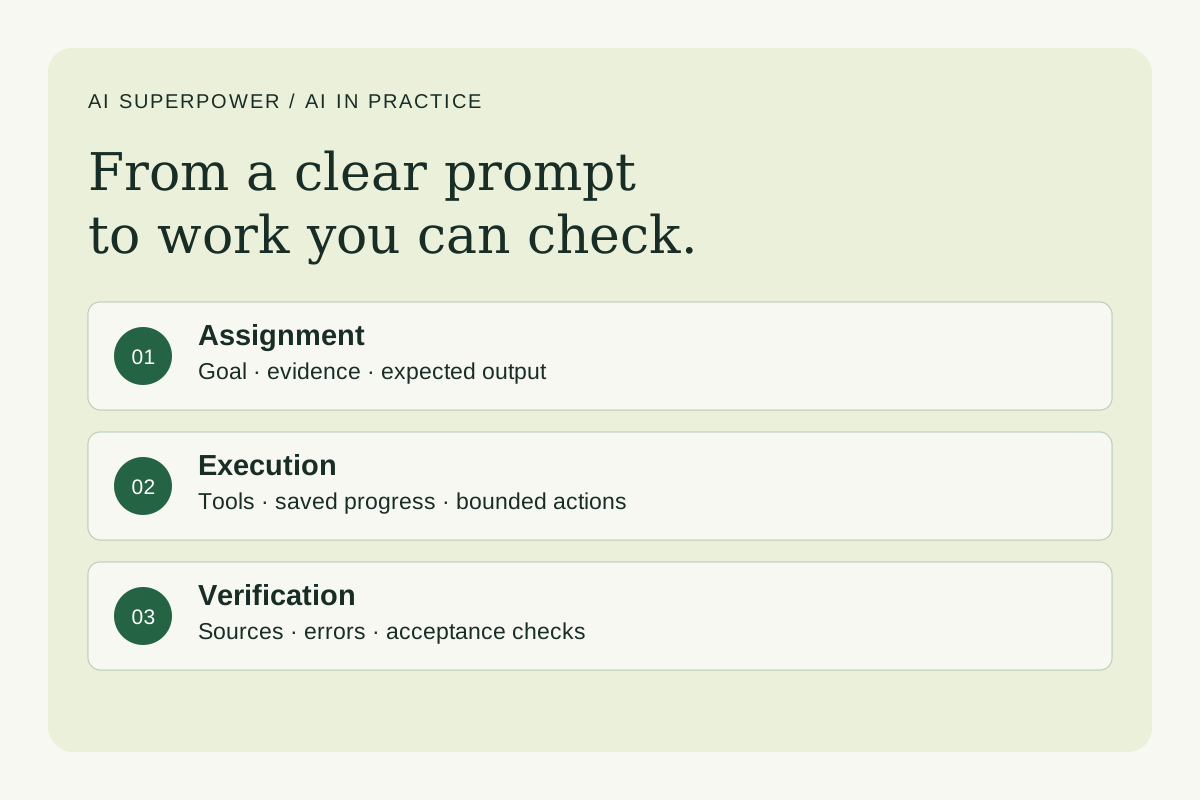 Agents and workflows
How Claude prompts and Grok Bot agent teams actually work
Understand prompt engineering, agent workflows and harness engineering. Learn what Grok Bot supports and how to test an AI system before relying on it.
October 23, 2026 · 7 min read Video workflows
Give Claude five jobs on your next YouTube video
Use Claude to plan a YouTube video, develop titles and thumbnails, write editing briefs, organize review notes, and select useful clips with five reusable prompts.
October 23, 2026 · 8 min read