Video workflows
Give Claude five jobs on your next YouTube video
Use Claude to plan a YouTube video, develop titles and thumbnails, write editing briefs, organize review notes, and select useful clips with five reusable prompts.
In this guide
- The useful starting point
- Build a useful workflow with five clear roles
- Prepare a small input pack
- Role 1: producer — find the strongest useful promise
- Role 2: title writer — develop three distinct concepts
- Role 3: editing assistant — prepare an actionable cut list
- Role 4: review coordinator — turn feedback into clear actions
- Role 5: repurposing assistant — choose excerpts worth sharing
- Keep the workflow simple and inspect the handoffs
- Check the result before increasing volume
- Questions you might be asking
- Sources and further reading
The useful starting point
Give Claude a timestamped transcript and five separate roles: producer, packaging strategist, edit planner, clip selector, and reviewer. Keep final editorial decisions and video exports with a person and a video editor.
A useful recording contains decisions, examples, and experience that your audience can learn from. This workflow helps you turn that material into a clear video brief and a focused set of follow-up pieces.
Build a useful workflow with five clear roles
You can organize a practical AI video workflow around five roles: producer, title writer, editing assistant, review coordinator, and repurposing assistant. Each role receives specific inputs and produces something you can inspect.
Start with one conversation and run the roles in sequence. You do not need five separate agents to try this. Save the instructions that work, then consider a more automated setup only after you understand the handoffs.
This is a workflow and prompt guide. It does not install a video editor or claim that a standard chat can automatically cut, render, and publish your footage. Use your chosen editor for the actual cuts and exports. Additional execution depends on the tools you connect and test.
Prepare a small input pack
Begin with a timestamped transcript from your transcription or editing tool. Claude’s documented upload formats include text documents and still images, so a checked transcript and relevant screenshots are practical inputs. Check Claude’s current upload guidance for the formats supported in your account.
Add a short audience brief, the intended viewer action, your tone, approved facts, and any claims that need checking. Include examples of your own writing if you want the supporting copy to sound consistent.
- Audience: who the video helps and what they already know.
- Promise: the useful question the recording answers.
- Evidence: demonstrations, verified facts, and approved examples.
- Constraints: topics, claims, or material that must not be used.
- Source: transcript version and recording filename.
- Next action: the relevant destination or task for the viewer.
Remove confidential material you are not authorized to share. Check names, numbers, specialist terms, and speaker labels. If the transcript has no timestamps, ask for quotations and section references instead of allowing invented timecodes.
Role 1: producer — find the strongest useful promise
The producer’s job is to decide what the video is about and what belongs in it. Ask Claude to identify the central idea, the intended viewer, and the example that makes the explanation concrete.
Act as the planning producer for this video. Using only the brief and transcript, identify the intended viewer, the main question, the useful promise, and the strongest supporting example. Propose a clear section order. Mark material that repeats another point or belongs in a separate video. List missing context and claims that need verification. Do not add experiences, examples, or results that are absent from the source.
Review the proposed promise against the actual recording. If the transcript contains three unrelated themes, choose one or split the project. Do not make a title about the most exciting sentence if the rest of the video cannot support it.
What you keep: a one-page production brief with the audience, promise, sequence, evidence, next action, and open questions.
Role 2: title writer — develop three distinct concepts
Ask for different ways to communicate the same truthful promise. A diagnosis, a demonstration, and a misconception can produce meaningfully different concepts. You are choosing the reason the right viewer would watch.
Using the approved production brief and transcript, create three title and thumbnail concepts. For each, give a title, a simple visual description, optional short thumbnail text, the viewer question, and the source passage that supports the promise. Make the concepts distinct. Flag exaggeration, missing proof, or a need for additional footage. Do not claim guaranteed growth, secret access, or measured results unless the source establishes them.
Check the title in plain language. Does a person outside your team understand the subject? Can the thumbnail communicate at small size? Does the concept fit the audience you actually want?
What you keep: a shortlist for a designer or image tool to create. A thumbnail concept is a creative brief; inspect any resulting image for accuracy, legibility, and rights before publishing.
Role 3: editing assistant — prepare an actionable cut list
Give Claude the approved concept and ask for suggestions tied to the source. A useful brief distinguishes an editorial suggestion from something that requires a person to inspect the footage.
Prepare an editing brief for the approved video concept. Use only existing transcript timestamps. For each suggestion, provide the source range, action, reason, and any visual or audio check needed. Suggest a concise opening from available material, flag repetition, and identify where a demonstration would help. Preserve qualifications and the speaker’s meaning. If timestamps are missing, quote the passage instead. Do not claim that you have edited or watched footage you have not accessed.
Open the recording and verify each important suggestion. A transcript alone cannot assess facial expressions, camera focus, audio quality, or whether a proposed cut creates a jarring transition. Keep enough context for examples and qualifications to remain understandable.
What you keep: an edit brief the editor can act on. Preserve the original recording and produce a new version for each review round.
Role 4: review coordinator — turn feedback into clear actions
Review notes become more useful when they refer to a specific version and describe a concrete change. A shared sheet is sufficient for a first workflow; a timeline-commenting tool is optional.
Organize these review notes for video version [version]. Return a table with timestamp or source reference, requested change, reason, priority, owner, and status. Combine duplicates, flag contradictions, and identify notes that need clarification. Preserve the reviewer’s intent. Do not mark an item complete without evidence from the revised export or the responsible editor.
An illustrative note is: “Version 2, 00:20: move the short demonstration before the longer explanation.” When the editor changes the timeline, the old timestamp may no longer point to the same moment. Keep the version label attached.
What you keep: a consolidated review list and a clear record of who approves the final export. Watch that export yourself; a tidy checklist is not proof that the changes were applied correctly.
Role 5: repurposing assistant — choose excerpts worth sharing
Ask for a small shortlist of moments that communicate a complete idea. Review the selection for meaning before considering how attention-grabbing it is.
Find up to three excerpts that could work as standalone short videos. For each, give the source range or exact quotation, the viewer question, the takeaway, necessary context, and a suggested caption. Explain why it deserves a separate asset. Preserve qualifications and avoid fragments that could mislead. If fewer than three meet the standard, return fewer. Then adapt one approved lesson into a LinkedIn post and a short email without inventing first-person experiences.
Check that the clip has a beginning, a useful point, and an ending. Replace unclear references with a short introduction if the edit supports it. Keep the complete meaning when cropping and adding captions.
What you keep: selected source ranges, crop notes, checked captions, and separate written drafts for the channels you actually use.
Keep the workflow simple and inspect the handoffs
Use a folder for the source, a folder for working files, and a folder for approved exports. Maintain a small tracker with the asset, version, owner, status, and destination. A consistent naming convention prevents an old cut from becoming the published one.
Run each role as a separate pass and approve the output before it becomes the next role’s input. If the producer chooses an inaccurate promise, every later step can become polished around the wrong idea.
When evaluating a tool connection, check what it can read, what it can change, where outputs are saved, and how failed actions are reported. Begin with a duplicate or test project. Add automatic publishing only when the owner has authorized it and the final-review process is reliable.
Prompt tip: give the assistant permission to return “not enough evidence” or fewer recommendations. Requiring a fixed number of impressive ideas encourages filler.
Check the result before increasing volume
Run the workflow on one recording. Record how long preparation, editing, review, and corrections take. Note repeated failures such as invented timestamps, inaccurate captions, or titles that overpromise.
After publication, compare the audience response with relevant previous work and look for useful customer actions. Treat AI’s explanation of performance as a hypothesis to check. The point of the first trial is to learn whether the process produces useful, accurate work at a sustainable cost.
- The title and thumbnail match the approved lesson.
- Every cut and quotation preserves meaning.
- The final export has been watched and heard.
- Captions, mobile crops, and destination links work.
- Rights and permissions for footage, music, and customer material are clear.
- The published file is the approved version.
Save the prompts you actually found useful and revise them when a recurring problem appears. To make the evaluation concrete, plan a useful tool trial around one recording and one clear review standard.
Questions you might be asking
Does this require a paid collection of skills?
No separate skill collection is supplied or required by this guide. You can try the prompts directly, subject to your assistant’s plan, usage limits, and available features.
Can Claude choose clips without seeing the footage?
It can shortlist passages from a transcript. A person still needs to inspect the footage for visual context, delivery, audio, and edits that could change the meaning.
When should I create separate agents?
After the individual roles work reliably and a handoff solves a real coordination problem. Separate agents add coordination work, so begin with a simple sequence and a named reviewer.
Sources and further reading
Sources checked October 23, 2026. Tool features and plan availability can change; review the linked publisher documentation before connecting an account.
Put one idea to work
Compare a tool on work you understand, measure review effort, and keep the result only when it improves the task.
Plan a useful tool trial →Explore more from AI SuperpowerKeep practicing
 Workflow design / Steal my stack
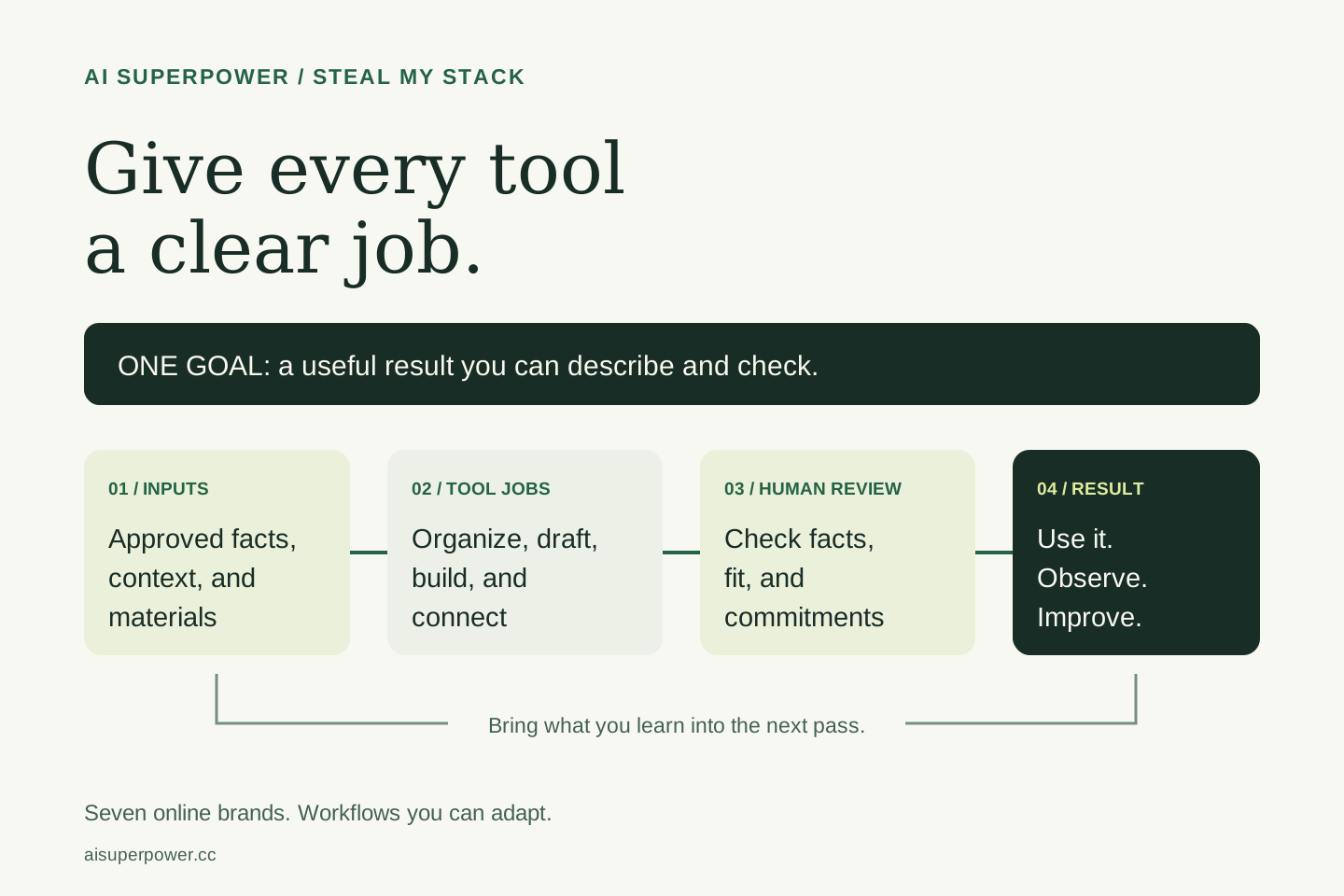
Steal my stack: give every AI tool a clear job
Borrow the workflow thinking behind seven online brands. Map the task, inputs, tools, handoffs, and human checkpoints before adding another app.
October 23, 2026 · 6 min read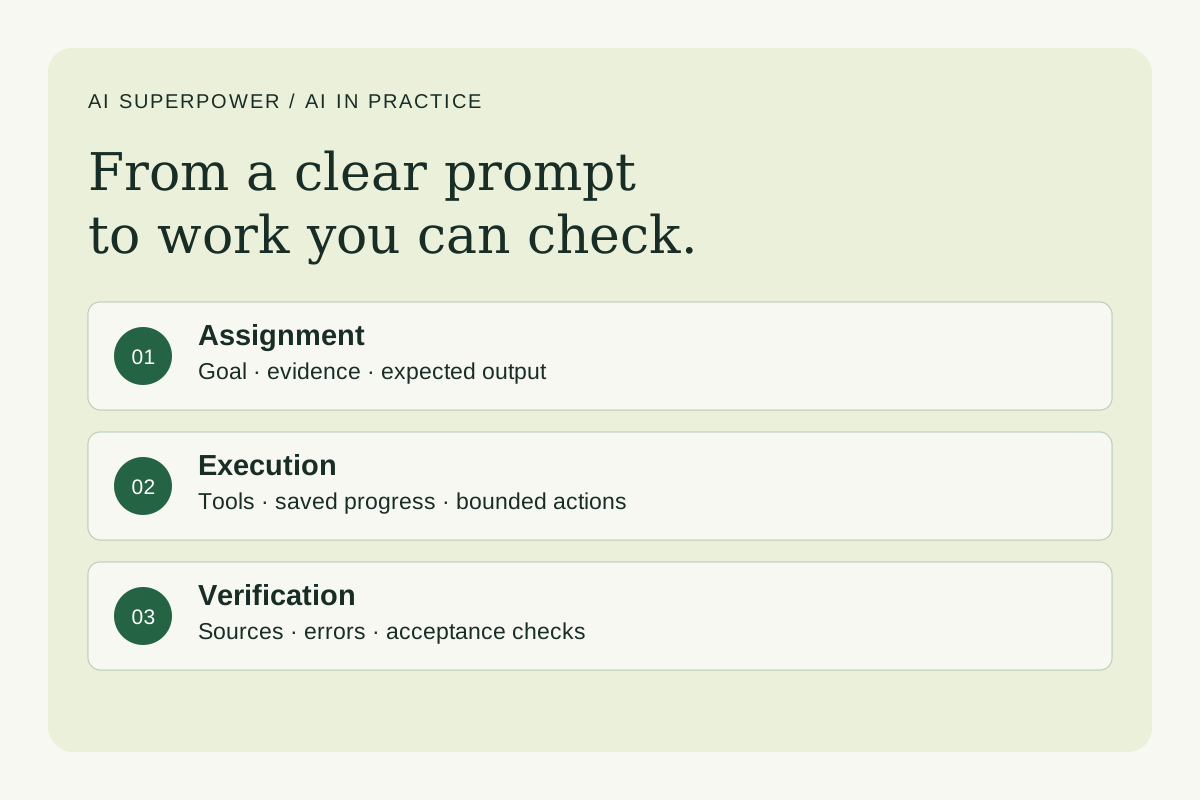 Agents and workflows
How Claude prompts and Grok Bot agent teams actually work
Understand prompt engineering, agent workflows and harness engineering. Learn what Grok Bot supports and how to test an AI system before relying on it.
October 23, 2026 · 7 min read