Skills & reusable workflows
Find, create and use AI skills: a practical trial guide
Choose a skill by the work it helps you finish. Find official catalogs, use Skill Creator, test a realistic example and build workflows with clear handoffs.

In this guide
- The useful starting point
- Know what you are choosing
- Where to find existing skills
- A five-step skill trial
- When to use Skill Creator
- Worked example: meeting follow-up
- Advanced use: references, tools and handoffs
- Make one useful choice today
- Choose tools by the job they do
- Three useful starter stacks
- A scorecard you can reuse
- When to add another tool
- Sources and further reading
The useful starting point
Start with one task and a result you can check. Inspect available skills, test one with your usual inputs, and use Skill Creator when you need to capture your own method. Save the skill in the right product and review a fresh run.
A skill is a reusable method for a task. Choosing one starts with the output you need: a checked action plan, a campaign brief or a product-page review. One method you can inspect and repeat is a useful place to begin.
Know what you are choosing
A prompt describes the current request. A skill packages a reusable process. A connector supplies access to tools or data. A plugin can bundle capabilities for installation. A skill can guide a connected action, but it does not supply credentials or run on a schedule by itself.
The Agent Skills format centers on SKILL.md, with a name, a description and instructions. Optional references, assets and scripts support the job. Check the host’s compatibility and dependencies as well as the file format.
Where to find existing skills
Start with the skills available in your app, then inspect official publisher catalogs. Search by the result you need rather than a broad label such as “productivity.”
- OpenAI skills catalog: examples and curated skills for Codex. Use the installation route described in its current documentation.
- Anthropic skills repository: examples, templates and Skill Creator. Check the instructions and license for the particular package.
- Your product’s directory: look for skills or plugins available to your account and workspace. An installed plugin may include both skills and connected tools.
- Your own process: a good completed example and a checklist can become the brief for a custom skill.
Before trying one, record its publisher, source, last relevant update, intended host, dependencies and requested access. A downloaded file is not necessarily an installed capability. Do not assume a skill from another host will work unchanged.
A five-step skill trial
Use the Tool Trial Lab to keep your comparison concrete. Write the input once and judge each result against the same criteria.
When to use Skill Creator
Create a skill when your preferred method is clear but no existing option follows it. Capture a process you perform repeatedly and can evaluate yourself.
- Show the creator one good input and output.
- Describe when the method should and should not apply.
- Ask for concise instructions with a clear output format.
- Test an ordinary request and two edge cases.
- Save or install through your host and select it for a fresh task.
In ChatGPT Work, invoke @skill-creator; in Codex, use $skill-creator. Anthropic publishes a separate Skill Creator implementation for supported Claude environments. Follow the installed package’s invocation instructions.
Create an instruction-only skill named tool-trial-summary.
Use it when I provide two tool trial records for the same job.
Compare correctness, missing facts, review time and required access.
Return a decision with evidence and remaining unknowns.
Do not infer a winner from popularity or invented scores.
Ask for missing trial data. Test a tie, an incomplete record
and a result that is fast but inaccurate. Help me save the skill.
The illustrated AI Teachers walkthrough covers creation, testing and saving.
Worked example: meeting follow-up
Imagine two candidates receive these fictional notes: “Maya will send an outline Friday. A designer was suggested. Budget not agreed.” Candidate A drafts a polished email that assigns the designer and invents a budget. Candidate B leaves those points unresolved. Candidate B preserves the evidence better, even if you still edit its prose.
For the second run, remove the deadline. For the third, add conflicting deadlines. A useful result identifies the gap or conflict. Record what actually happened; do not mark a case as passed because the skill promises to handle it.
| Record | What to write |
|---|---|
| Task and input | The exact job and material supplied. |
| Expected result | Observable requirements defined before the run. |
| Actual result | What the assistant produced or changed. |
| Review effort | Corrections needed and time spent checking. |
| Decision | Keep, adapt or remove, with a reason. |
Advanced use: references, tools and handoffs
Keep the recurring method in the main instructions and current facts in maintained references. Add templates for stable output formats. Add scripts for exact operations you can test with known inputs.
A connected workflow needs a clear source and authorized tool access. If research, drafting and review use separate skills, specify what passes between them: sources, dates, claims, open questions and the deliverable. Give the reviewer the original evidence. A second assistant’s agreement is not independent verification.
Compare with a baseline, including human correction time. Keep unseen test examples for revisions. Assign an owner and retain a known working version. Sharing and scheduling need separate setup; copying a skill folder does not transfer a signed-in account.
Make one useful choice today
Choose one recurring task, inspect one skill and run one example. Keep it if it improves the result after review; adapt it if the method nearly fits; remove it if setup outweighs the benefit. Continue with the tool test-bench guide or RAG, MCP and agents explainer.
Choose tools by the job they do
This shortlist separates creation, discovery, implementation and connection. These are documented resources to evaluate, not a claim that every combination has been tested. Check compatibility, permissions and current account requirements before adopting one.
| Tool or resource | Useful for | First useful test |
|---|---|---|
| ChatGPT Work Skill Creator | Turning a repeatable process into a skill | Give @skill-creator one input and an accepted output. |
| Codex skills catalog | Finding published skills for Codex | Read the instructions and dependencies before installation. |
| Anthropic skills catalog | Studying examples and creator workflows | Inspect one relevant skill and its bundled files. |
| Claude Code skills | Using skills in development workflows | Try a narrow project task in a disposable example. |
| Agent Skills specification | Understanding portable folder structure | Check name, description and supporting file paths. |
| MCP documentation | Understanding connections to external systems | Identify the exact read operation your workflow needs. |
Three useful starter stacks
Meeting follow-up
Use your assistant, a meeting skill, pasted notes and an action-list template. Compare extracted actions against the notes. Add a document connection only if repeated copying becomes a demonstrated bottleneck. Keep sending separate from drafting.
Content from evidence
Use a source collection, a drafting skill and a claim-review checklist. Require a source for factual claims and label editorial interpretation. Test whether the workflow admits missing evidence. A fluent draft with unsupported claims fails the test.
Development review
Use a repository-aware assistant, a narrowly scoped review skill and the project’s existing checks. Give it the expected behavior, changed files and a realistic failure case. Review the diff and test results before merging. A skill’s presence is not evidence that checks ran.
A scorecard you can reuse
Score each candidate from zero to two on task fit, source quality, setup effort, review effort and repeatability: zero means unsuitable, one means usable with changes, two means ready for your trial. Record a reason beside each score. Treat fabricated facts, unreviewed executable code or unexplained permissions as unresolved issues even when the total score looks good.
Compare tools with the same input and acceptance checklist. Count correction time, not just response speed. Save the date, product, skill version, source files and output. Repeat after material changes. These are our suggested evaluation practices, not a vendor benchmark.
When to add another tool
Add a tool when you can name the missing capability: read a current document, calculate a deterministic value, render a file or update an approved record. MCP provides a standard connection mechanism; it does not itself supply your business rules, credentials or a schedule. Avoid building a large stack before your first workflow produces an acceptable result.
For a complete exercise with expected answers, difficult inputs and a seven-day practice plan, use the Wealth Experiment skill-building lab.
Sources and further reading
- OpenAI: Build skills
- Agent Skills specification
- OpenAI skills catalog
- Anthropic skills repository
- Claude Code skills documentation
Sources checked October 28, 2026. Tool features and plan availability can change; review the linked publisher documentation before connecting an account.
Put one idea to work
Compare a tool on work you understand, measure review effort, and keep the result only when it improves the task.
Plan a useful tool trial →Explore more from AI SuperpowerKeep practicing
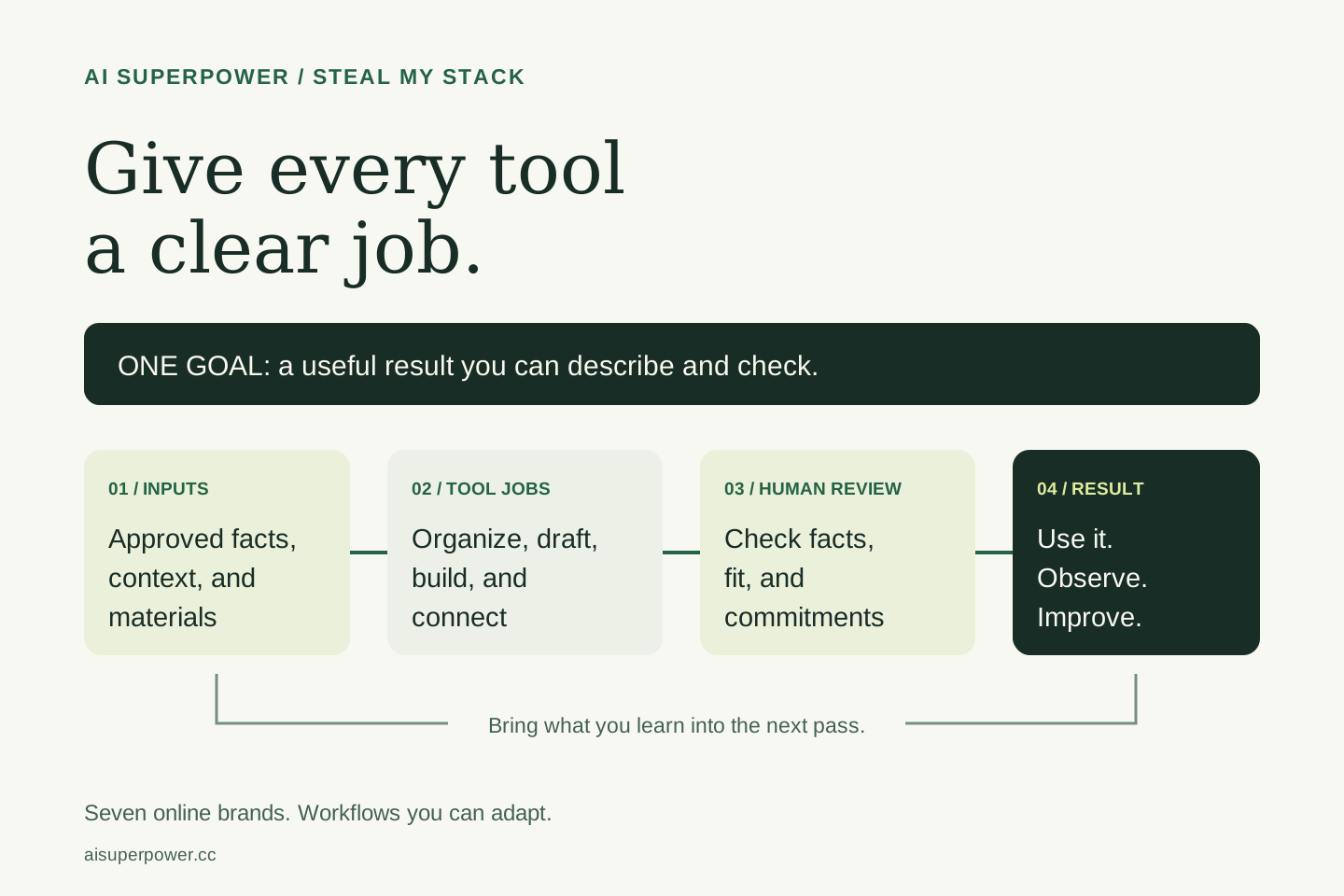 Workflow design / Steal my stack
Steal my stack: give every AI tool a clear job
Borrow the workflow thinking behind seven online brands. Map the task, inputs, tools, handoffs, and human checkpoints before adding another app.
October 23, 2026 · 6 min read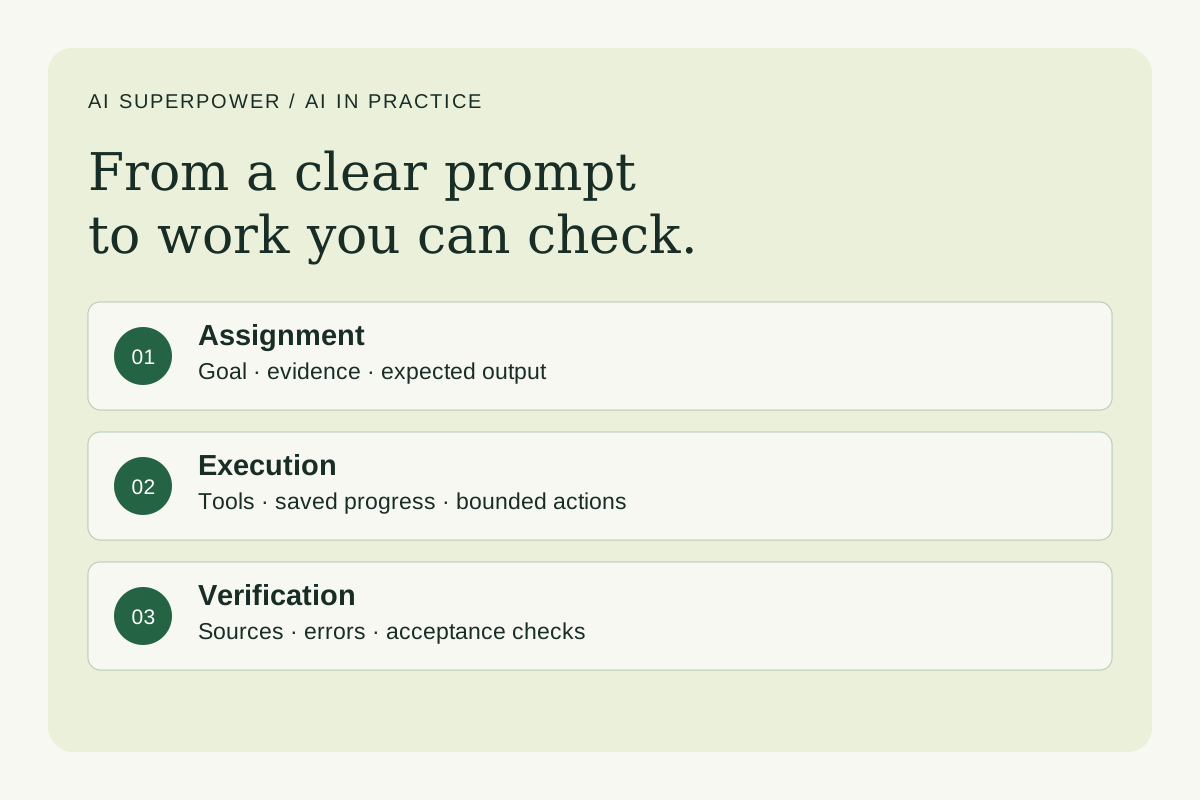 Agents and workflows
How Claude prompts and Grok Bot agent teams actually work
Understand prompt engineering, agent workflows and harness engineering. Learn what Grok Bot supports and how to test an AI system before relying on it.
October 23, 2026 · 7 min read