AI explained
Agent harnesses and inference: choose an AI tool for the whole job
Compare the model's output, connected tools, saved results, and recovery on one small task before choosing an AI environment.
In this guide
- The useful starting point
- Inference is what the model does with its current input
- The harness manages the session around the model
- Choose one small job for your comparison
- Inspect the answer and the completed work
- Use the same brief in each environment
- Try one revision and one interruption
- Compare total effort before choosing
- Sources and further reading
The useful starting point
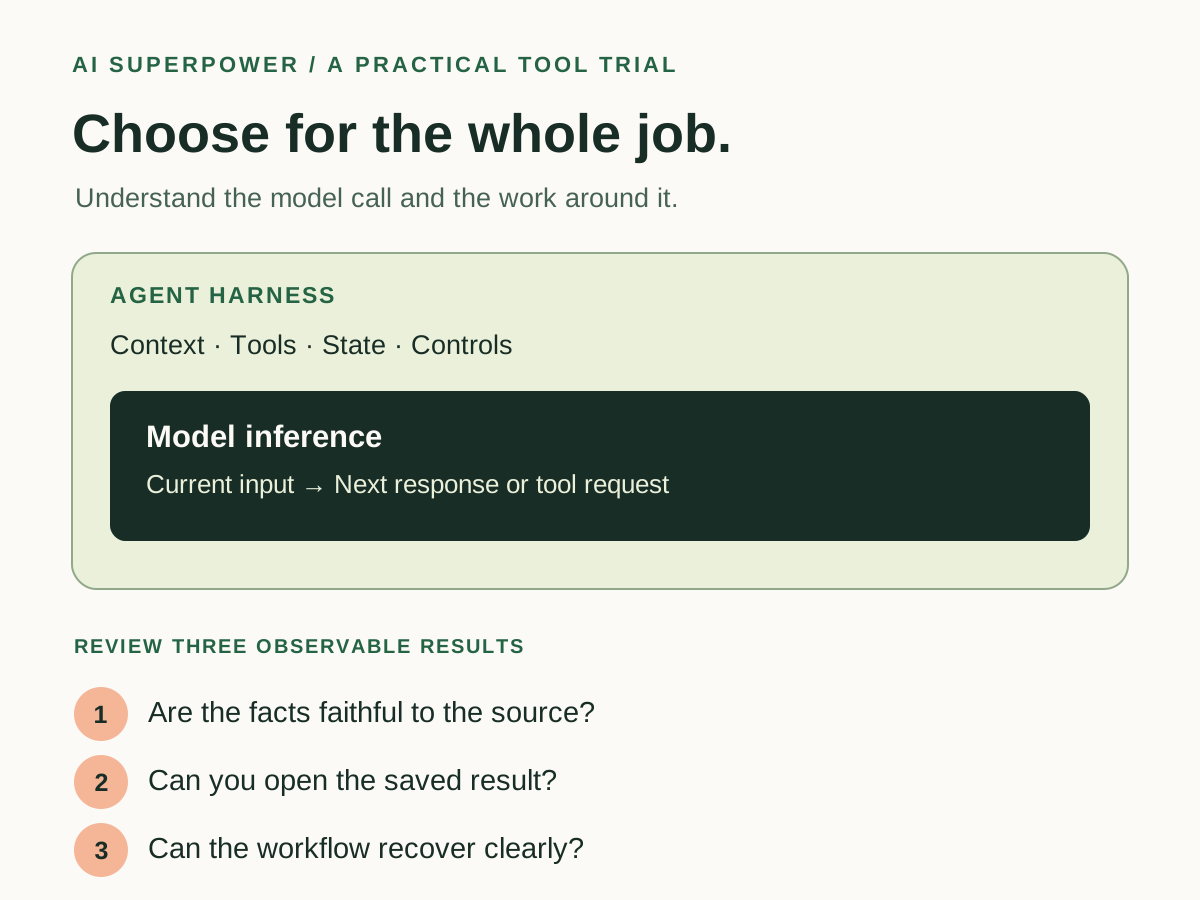
Inference produces the model's next output. The harness manages the session, context, tools, and continuing work around it. Compare both by asking each tool to finish the same small job, then inspect the actual deliverable and your total review effort.
A useful AI tool has to fit the whole job you want to finish. You may need a good answer, a saved document, information from a connected app, or several steps that continue after an interruption. Two terms help you ask better questions about that fit: inference and the agent harness.
This guide turns those terms into a small comparison you can run yourself. The exercise uses fictional meeting notes and one action brief. It builds on our AI terms for tool buyers and the guide to prompts and agent workflows, with a closer look at what happens between a request and a finished result.
Inference is what the model does with its current input
During inference, a trained model processes input and produces output. For a language model, that output can include prose, code, or a structured request to use a tool. Ordinary inference uses the model's trained weights; it does not retrain those weights for every assignment. Cloudflare's glossary defines the term, and its inference and training explainer describes the distinction.
In our exercise, the model reads the meeting notes and proposes an action brief. Its output might identify a missing owner or notice that two deadlines conflict. Those are things you can check directly against the supplied notes.
The harness manages the session around the model
The harness is the software coordinating the work: assembling context, calling the model, routing permitted tool requests, returning results, and maintaining the session. Microsoft's explanation of agent harnesses describes that loop.
If the agent requests a file, a connected tool performs the operation and returns a result. The next model call can use that result. A single assignment may therefore involve several inference calls and tool operations.
The exact capabilities depend on the environment. Check which files, apps, permissions, progress records, and limits are actually available. A product's use of the word “agent” does not tell you which of those features your account has.
Choose one small job for your comparison
Imagine you need an action brief from a short meeting. Create a fictional sample with five notes: two clearly assigned tasks, one task with no owner, one unresolved decision, and one task described with conflicting deadlines. Avoid real private meeting material while learning the process.
Define the output before trying either tool: a table containing task, owner, deadline, source note, and unresolved question, followed by a short summary. Missing owners must stay unassigned, conflicting dates must remain visible, and no decision may be presented as agreed unless the notes say so.
If saving an editable file is part of your real workflow, make that an explicit requirement. A good brief displayed in a chat and an editable brief saved to the correct location are different observations to record.
Inspect the answer and the completed work
| Layer | Question for this trial | Evidence to keep |
|---|---|---|
| Model output | Does the brief accurately represent the notes? | The brief and a check against each source note. |
| Context | Did the session use the right version of the notes? | The input filename or version supplied. |
| Tools | Did the requested file operation succeed? | An editable file you can open at the intended location. |
| Recovery | What happens when a required step cannot finish? | The reported problem and any completed work preserved. |
| Review | Can you identify and correct an error efficiently? | Your corrections and time spent reviewing. |
These checks help you locate a problem. An invented owner points to an output that needs correction. An accurate brief that was never saved points to a different gap in the workflow. Both matter when the requested deliverable is a saved, usable document.
Anthropic's agent evaluation guidance distinguishes the record of an agent's actions from the resulting state of the environment. Apply that distinction by opening the file and checking its contents, rather than relying only on a completion message.
Use the same brief in each environment
Create an action brief from these fictional meeting notes. Include task, owner, deadline, source note, and unresolved question. Keep missing facts and conflicting statements visible. Use only the supplied notes for meeting facts. Save an editable result to [permitted location] if that capability is available; otherwise explain what output you can provide. Return the brief, its location, the checks performed, and unresolved items. Do not send the brief or update anyone's tasks.
Keep the inputs and acceptance criteria consistent. Record the product, date, relevant settings, enabled tools, and model name when the product exposes it. Two applications can use a similar underlying model while giving it different context and tools, so a difference in results does not isolate the cause by itself.
This is a workflow comparison for your task. It does not establish a general ranking of the underlying models.
Try one revision and one interruption
After the first brief, supply a corrected deadline and ask for an updated version. Check that the correction appears in the actual deliverable and that unrelated tasks remain intact.
For a second practice run, leave out an input the task requires, or use a test destination that is deliberately unavailable. Observe whether the agent reports the problem accurately, preserves useful work, and identifies what is needed to continue. Keep this exercise inside an environment you control.
If your workflow depends on resuming later, test that separately. Reopening a chat is not evidence that the system retained every file, permission, or task state needed to finish the job.
Compare total effort before choosing
Record preparation, hands-on work, review, corrections, and any recovery effort. Track elapsed time separately, including time spent waiting. Record usage or cost when the product makes it available; bundled subscriptions and usage-based tools may present that information differently.
More inference calls can add opportunities to check and revise, but they also consume time and resources. Let the accepted result determine whether the extra work was worthwhile. Repeat the trial on another sample before making a larger commitment.
Use the Tool Trial Lab to record your observations. Choose the environment that gives you an acceptable deliverable with manageable effort, appropriate access, and a clear way to recover. The practical value of understanding inference and the harness is knowing what to inspect before you rely on the workflow.
Sources and further reading
- Cloudflare: Workers AI glossary — inference
- Cloudflare: Inference and training
- Microsoft: Agent harnesses
- Anthropic: Demystifying evals for AI agents
Sources checked November 5, 2026. Tool features and plan availability can change; review the linked publisher documentation before connecting an account.
Put one idea to work
Compare a tool on work you understand, measure review effort, and keep the result only when it improves the task.
Plan a useful tool trial →Explore more from AI SuperpowerKeep practicing
 Technology field notes
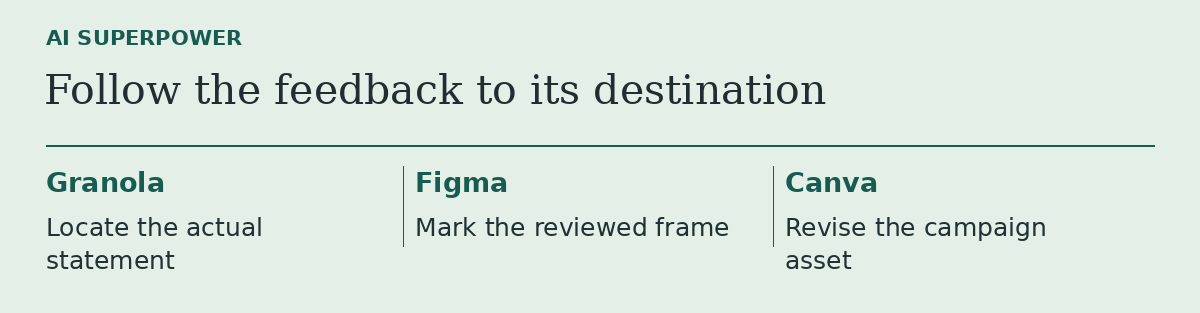
Granola, Figma or Canva? Follow one piece of feedback to the right tool
Three product updates make more sense when you start with the file you need to change.
November 18, 2026 · 2 min read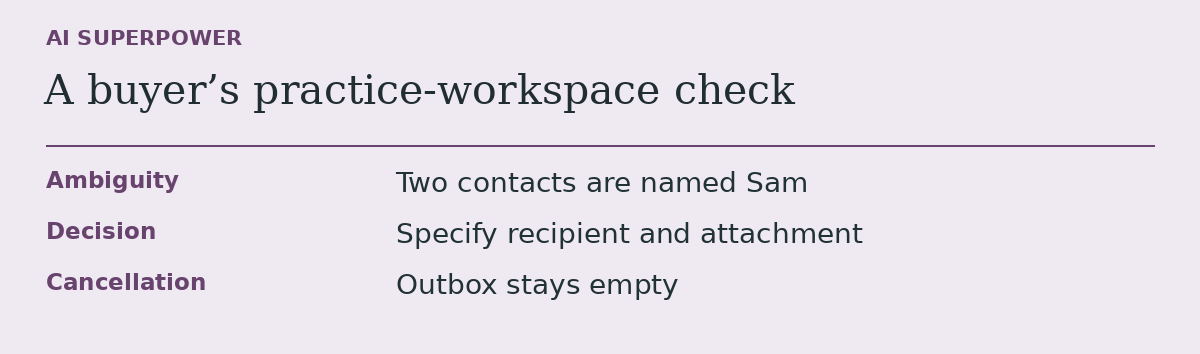 Technology field notes
Before you subscribe to an AI agent, give it a task it should leave unfinished
An acceptance test for buyers who need to know what an agent does when information runs out.
November 18, 2026 · 2 min read