Technology field notes
Granola, Figma or Canva? Follow one piece of feedback to the right tool
Three product updates make more sense when you start with the file you need to change.
In this guide
The useful starting point
Three product updates make more sense when you start with the file you need to change.
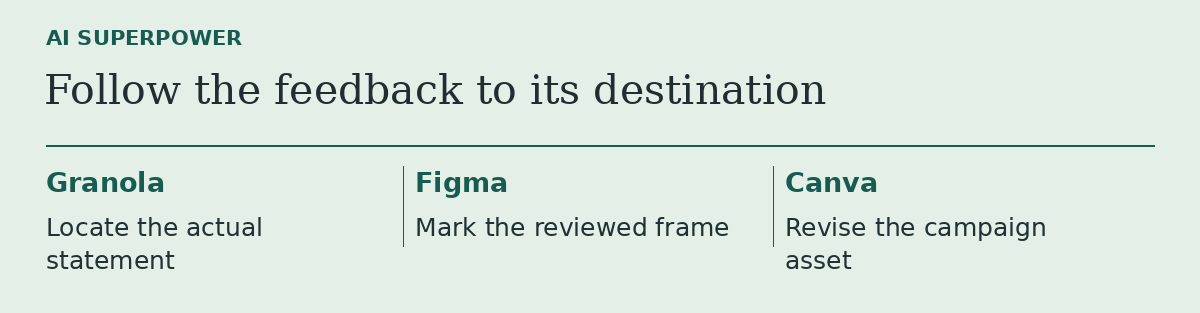
On a launch review, someone says, “The product image hides the delivery promise.” That sentence can produce at least three jobs: recover what the customer actually observed, annotate the screen where it happened, or change the promotional image. Choosing a tool before choosing the job is how a team ends up with three subscriptions and one unresolved comment.
Find the evidence in Granola. In a November engineering account, Granola described improving how agents retrieve details from meeting transcripts. If the decision hinges on what someone said, look for the relevant passage and speaker. An accurate meeting summary can still omit the detail a copywriter needs. Granola • Why agents missed transcript evidence
Place the note in Figma. Figma’s November walkthrough describes using connected meeting material to annotate the relevant designs. Give the agent the version the team reviewed. Inspect where it placed the note before a designer edits the frame. Figma • Six ways to use the Figma agent
Change the asset in Canva. Canva describes Brush as a model for supported edits to an existing design. Try it when the deliverable is a campaign asset that needs a layout or format change. Keep the approved wording nearby and read the exported result at the size customers will see it. Canva • Editable design changes with Brush
Borrow this ten-minute comparison
Use fictional meeting notes and one sample asset. Ask each tool to perform only its part. Score the handoff: can the next person identify the source sentence, the screen it refers to, and the current export? Stop when the file you actually need is ready for review. A team that already knows which asset needs editing may only need the last step.
Sources and further reading
- Granola • Why agents missed transcript evidence
- Figma • Six ways to use the Figma agent
- Canva • Editable design changes with Brush
Sources checked November 18, 2026. Tool features and plan availability can change; review the linked publisher documentation before connecting an account.
Put one idea to work
Compare a tool on work you understand, measure review effort, and keep the result only when it improves the task.
Plan a useful tool trial →Explore more from AI SuperpowerKeep practicing
 Technology field notes
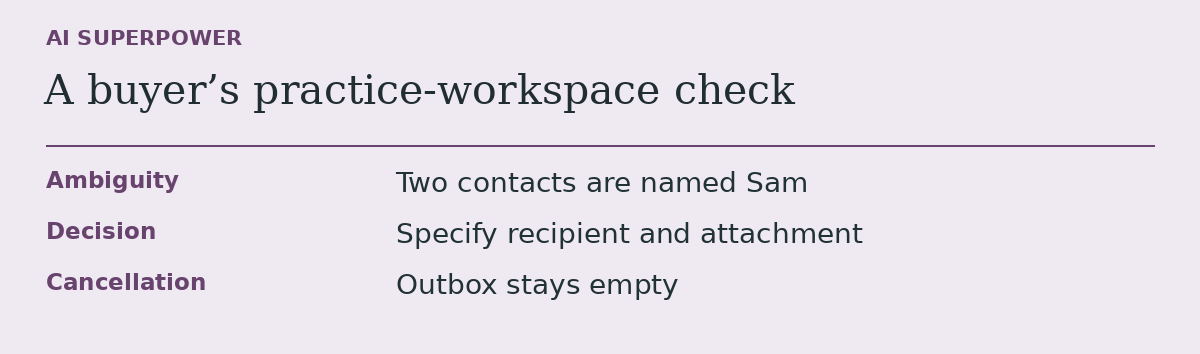
Before you subscribe to an AI agent, give it a task it should leave unfinished
An acceptance test for buyers who need to know what an agent does when information runs out.
November 18, 2026 · 2 min read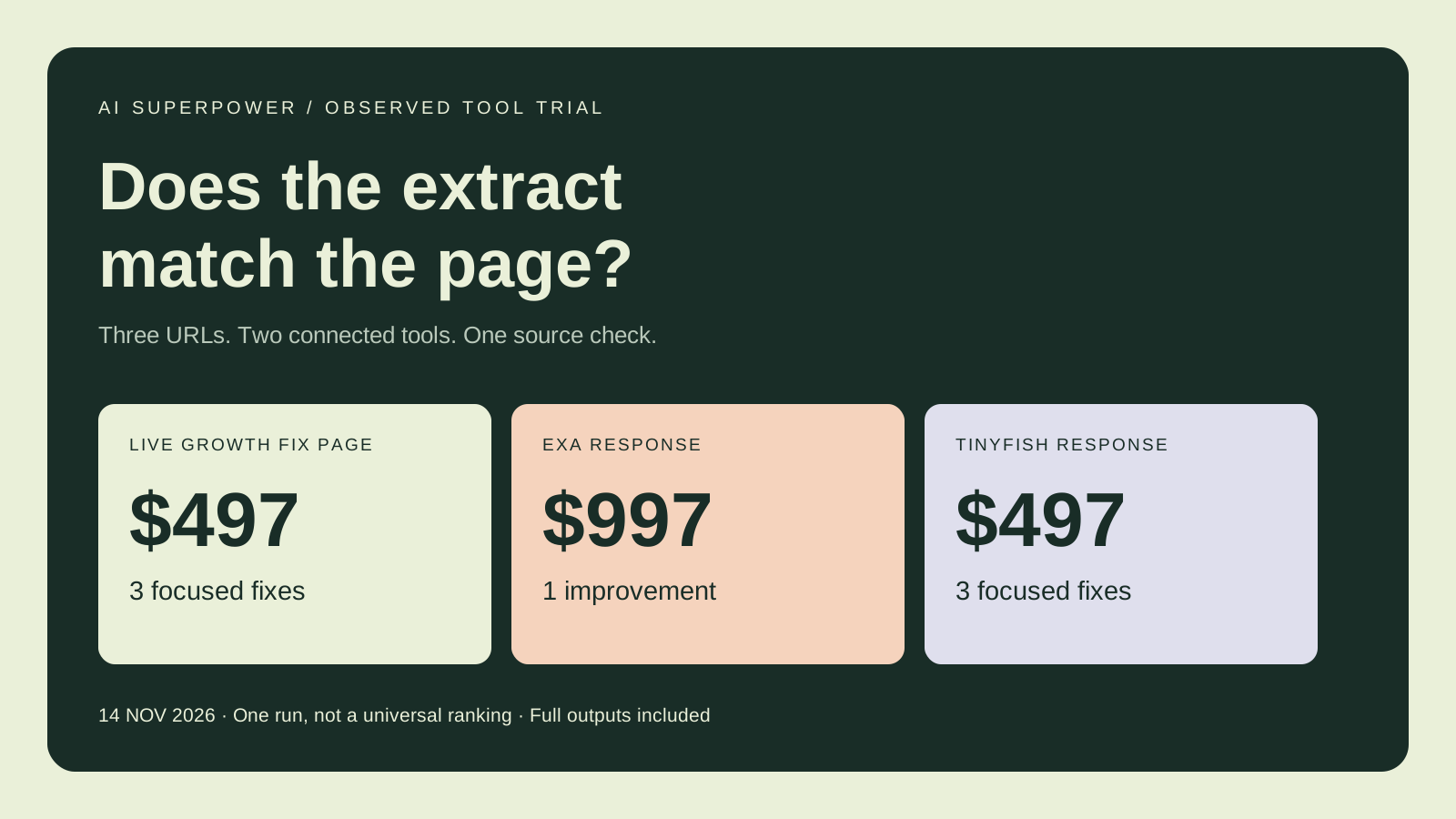 Observed tool trial
Exa vs TinyFish: What a Three-Page Web Extraction Test Revealed
We ran both connected tools on three live pages and checked prices, scope, dates and links. See the observed mismatches, saved outputs and reusable checklist.
November 14, 2026 · 7 min read