Choosing AI agents
Dots, Muse, Duet, Grok Bot: choose an agent by the work you need done
A dated guide to current agent categories, persistent coworkers, Work and Cowork, coding tools, and explicit workflow builders.
In this guide
The useful starting point
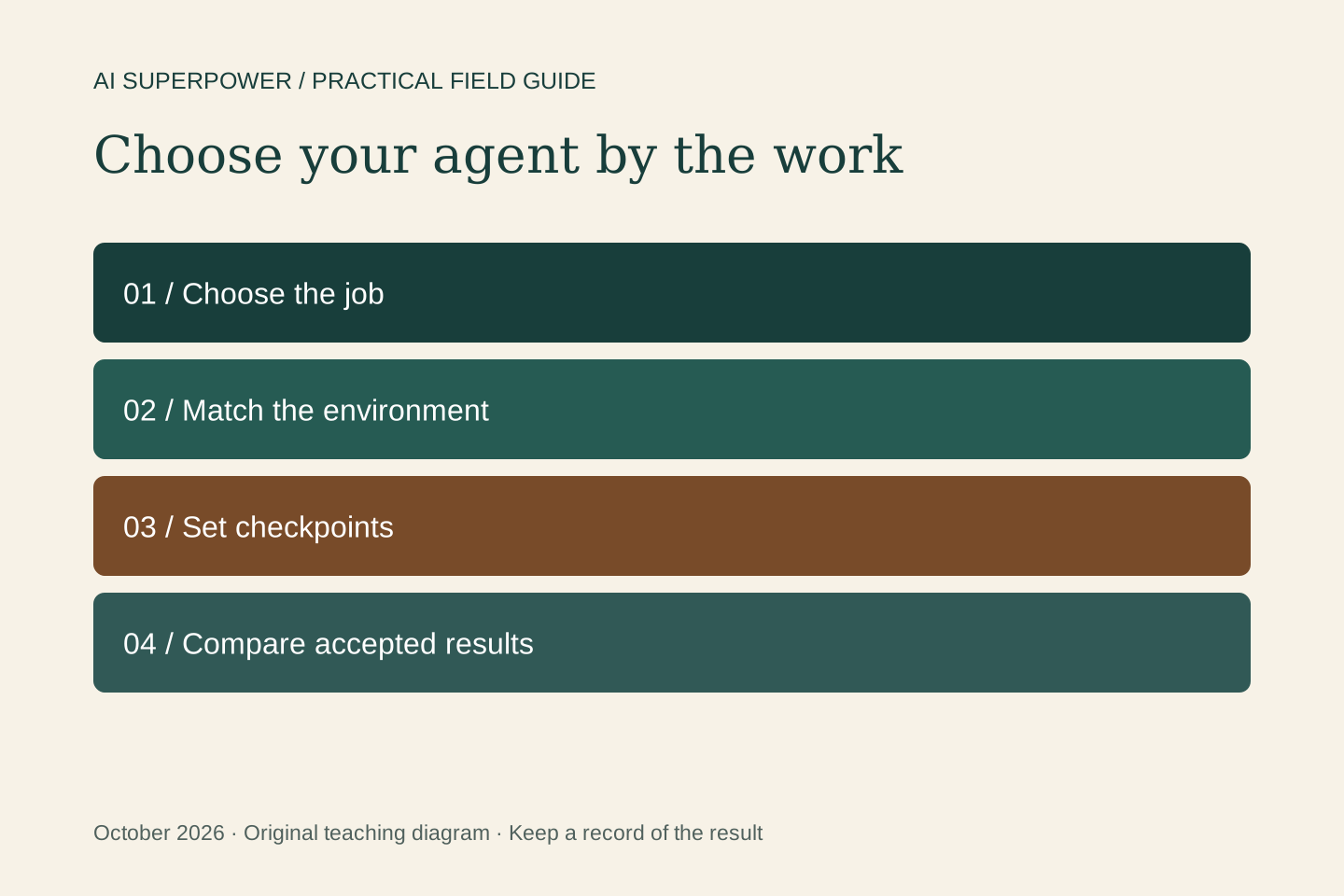
Choose the job and review standard before the product. Compare where the agent runs, what context persists, which tools it can use, what you can inspect, and the controls and cost of completing the work. This is a current-options guide, not a popularity ranking.
The agent landscape is easier to understand when you begin with the work. Do you need a finished document, an ongoing responsibility, a repository change, or a repeatable process across business tools? Several products can span those jobs, but the environment, permissions, persistence, and review experience still differ. This guide is a snapshot checked October 22, 2026, not a ranking by adoption or a hands-on performance benchmark.
Persistent agents for ongoing responsibilities
OpenAI dots works across connected tools with its own cloud computer, relevant memory, and ongoing project context. A useful candidate task is keeping a project brief current and bringing decisions back to its owner. Check account availability and the separate requirements for optional access to your own computer.
Meta Muse combines a personal cloud environment, connectors, browser and code tools, background work, and subagents. Meta describes permission services outside the main agent runtime. That architecture is useful to understand, while still checking the actual actions and results. This is Meta’s agent, not an unrelated product that also uses the name Muse.
Claude Duet was announced on October 21, 2026 as a proactive work agent with its own cloud VM. The launch begins with a research-preview waitlist for US Pro and Max users. Background checks share usage limits with other Claude work. Access and the ability to inspect its browser are material differences to verify before choosing it for a class.
Grok Bot supports persistent named Bots, roles, context, handoffs, skills, and routines. An account’s Bots share a cloud computer and its files and logins. Treat them as distinct workers with shared access, rather than separate security compartments. Use bounded roles and one owner for the final result.
Work, Cowork, and coding environments
ChatGPT Work and Codex provide different working views for substantial tasks, with Codex suited to inspecting technical work. Choose the surface that helps you review the deliverable and manage the tools involved. A model name alone does not tell you which files, connections, or execution capabilities a task has.
Anthropic is bringing Chat and Cowork into a unified experience in stages. Some accounts still show separate modes. Claude Code remains a relevant coding environment, while design capabilities are evolving within Claude. Keep the course focused on task selection, source context, and verification rather than a screenshot that assumes every account has the same interface.
Explicit workflows for repeatable operations
An automation platform is useful when you need a known trigger, deterministic checks, controlled branching, and a record of each run. n8n’s agent node adds a model that can choose among connected tools inside that broader workflow. The builder still owns validation, permissions, recovery, and approval points.
For example, fixed rules can check an incoming enquiry and prevent duplicates. An agent can interpret the request and draft a response. A person can approve the actual send. You do not need an open-ended agent decision for every step, and a simple task does not automatically need several subagents.
Compare one task fairly
Give two available tools the same sanitized inputs and acceptance criteria. Ask for a short brief with sources, unresolved questions, and a proposed next action. Record whether the result is usable, how much review it needs, whether the tool completed the promised action, and the total time and usage cost.
Then test a missing source or failed connection. Does the agent explain the problem, preserve completed work, and stop at the agreed boundary? A graceful failure can matter more than a polished ideal-case demo. Keep a record of the product, model where visible, date, and settings so the comparison has context.
Build skill before adding subscriptions
Start with one agent you can access and one real task you can judge. Improve the brief, context, checkpoints, and review standard over several runs. Add another tool only when you can name the capability your workflow lacks. The transferable skill is learning to direct, inspect, and improve the work across changing products.
Put this into practice
Use the same small task to compare the tools available to you, then map the workflow you want to keep. Start with the free Agent to Outcome tutorial, then use the workflow planner to map your goal, context, tools, human checkpoints, and success criteria. Explore the Agent to Outcome workshop and kit for a guided learning path. For implementation or team training, see Waymaker Agency’s agent workflow service.
Sources and further reading
- OpenAI: dots
- Meta: Muse engineering and controls
- Anthropic: Claude Duet
- Grok Bot: FAQ
- OpenAI: using ChatGPT Work and Codex
- Anthropic: unified Chat and Cowork rollout
- n8n: AI Agent node
Sources checked October 22, 2026. Tool features and plan availability can change; review the linked publisher documentation before connecting an account.
Put one idea to work
Compare a tool on work you understand, measure review effort, and keep the result only when it improves the task.
Plan a useful tool trial →Explore more from AI SuperpowerKeep practicing
 AI explained
RAG, MCP, and agents explained through one everyday task
Understand three common AI terms by following a practical example, with clear differences between finding information, using tools, and choosing actions.
October 22, 2026 · 6 min read Developer workflows
Migrate Shopify Storefront MCP to UCP without losing cart state
A developer checklist for endpoint discovery, catalog/cart tool mapping, agent profiles, full cart updates and checkout verification.
October 20, 2026 · 4 min read