Turn an owned recording into one honest short clip: compare the options
A reviewed cut plan, accurate captions and an export checklist for one short clip. Compare task fit, setup, exports and costs with the same practice case.
One task. A clearer choice.
 01
One useful task
Choose one result and three checks. Keep the same brief for every tool.
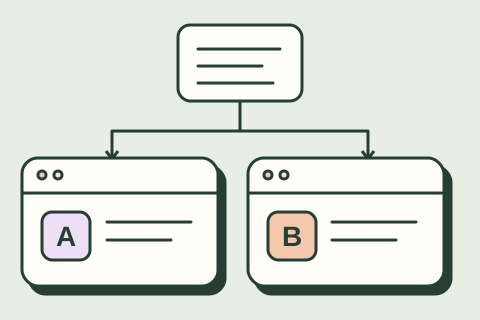 02
The same starting point
Copy the same sample into each tool. Keep the plan, settings and first result.
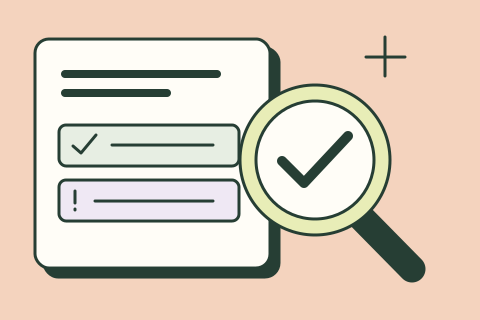 03
A result you can trust
Check the work against the source. Count the fixes and the time they take.
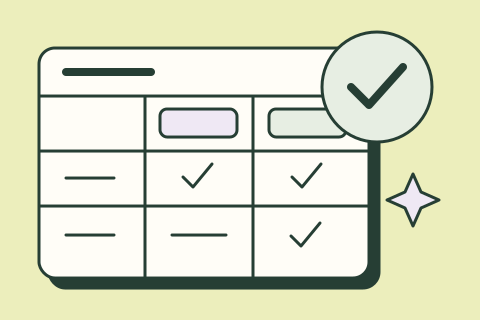 04
A choice you can explain
Compare quality, total effort and cost. Save your evidence and next step.
A recording becomes one useful clip
A longer explanation with context worth keeping. A short cut plan, accurate captions and an export check.
Choose the same source file
Use one owned recording in each editor.
Finish with: A short cut plan, accurate captions and an export check.
Choose a complete thought. Keep the meaning intact.
Now try the same task.
Copy the sample and prompt. Run them in your chosen tools, then record what you observe.
Product information reviewed 2026-11-08. Use the practice example to run your own comparison.
| Decision | Descript | VEED | OpusClip |
|---|---|---|---|
| Task fit | Editing spoken material with a transcript-centered workflow. | Editing and captioning a clip in a browser-based workflow. | Finding candidate short clips in a longer recording, followed by human review. |
| Setup effort | Import an owned sample and check the transcript before cutting. | Check upload requirements, caption corrections and the chosen plan. | Check source-length limits and whether the suggested cuts preserve the full meaning. |
| Connections to verify | Confirm the file format and destination you need; keep publication manual. | Confirm any publishing destination separately from the editing trial. | Disable automatic publication while comparing candidates. |
| Export / portability | Reopen the exported clip and check audio, captions, watermark and resolution. | Verify caption format, readability and the actual downloaded video. | Inspect reframing, captions, audio and plan-specific export restrictions. |
| Current pricing | Free plan has limited media processing and AI features; paid plans add capacity and watermark-free exports. Verify plan and limits ↗ | Free entry option; paid features and AI credit allowances vary. Check export and watermark limits. Verify plan and limits ↗ | Check provider Verify plan and limits ↗ |
| Observed performance | Not tested in this guide | Not tested in this guide | Not tested in this guide |
Open your candidates.
We may earn a commission through links marked “Affiliate link.” How we choose tools.
Run a fair comparison.
Give each candidate the same sample and allowed time. If it cannot perform the whole task, record the extra tool or manual step. A text-only trial checks the proposed cut and claims. To compare video tools, use the same owned audio/video file in every candidate and record its length and format. If a tool requires a longer source or another paid feature, record that requirement; do not invent a successful clip or transcription score.
Fictional tutorial transcript. Time ranges below are illustrative, not measurements of an actual recording. Record this script yourself, or use an owned recording with permission from everyone involved, to test actual editing and exports.

00:00–00:15 — “This is a fictional demonstration of a quote-review checklist. No customer records are shown.”
00:15–00:30 — “First, check the quote date and the contact permission. If either is missing, stop and ask the record owner.”
00:30–00:45 — “In this fictional example, a person reviews the draft next step. The checklist never sends a customer email.”
00:45–01:00 — “Keep the owner and next review date with the draft. Read the setup checklist before adapting this to your own work.”

Brief: propose a clip of at most 30 seconds about the review boundary. Keep the fictional-demo context and the no-automatic-email qualification. Draft a plain caption; do not publish or add a product claim.
Acceptance checks
- The fictional-demo context and the no-automatic-email qualification both remain.
- Captions match the spoken words; names and negations are checked by listening.
- No invented customer result, time saving, integration or guarantee appears.
- The actual clip is watched with sound and at phone size before sharing.
- Duration, watermark, resolution, caption format and usage rights are checked on the chosen plan.
Record date, plan, model/settings, output, errors, work time, correction time and export result. A failed check remains a failure even when the draft looks polished.
Compare the monthly cost of each option.
Enter the current USD price for your plan. Use 0 for an included/free tool and leave unknown costs blank. These are your assumptions, not live quotes. Each candidate is calculated separately; you do not need to buy all three.
Price × seats ÷ billing months + usage/hosting. Excludes tax, setup labor, credits beyond your estimate and maintenance. Annual plans can require payment upfront. Entries stay in this page.
Sources and limitations
Plan terms change. Provider descriptions are not independent performance evidence. No score, testimonial or measured time saving is implied.