Descript, VEED or OpusClip for a short video?
Turn the same owned recording into one short, captioned clip that preserves the speaker’s meaning.
One task. A clearer choice.
 01
One useful task
Choose one result and three checks. Keep the same brief for every tool.
 02
The same starting point
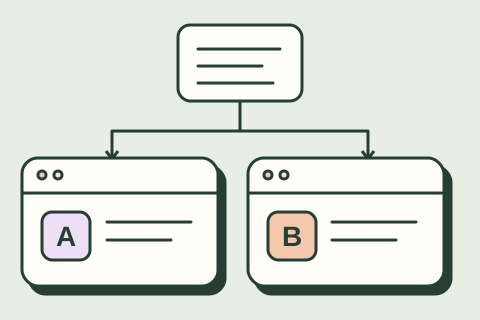
Copy the same sample into each tool. Keep the plan, settings and first result.
 03
A result you can trust
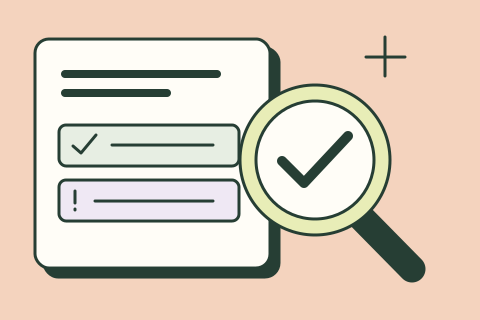
Check the work against the source. Count the fixes and the time they take.
 04
A choice you can explain
Compare quality, total effort and cost. Save your evidence and next step.
A recording becomes one useful clip
A longer explanation with context worth keeping. A short cut plan, accurate captions and an export check.
Choose the same source file
Use one owned recording in each editor.
Finish with: A short cut plan, accurate captions and an export check.
Choose a complete thought. Keep the meaning intact.
Now try the same task.
Copy the sample and prompt. Run them in your chosen tools, then record what you observe.
Product information reviewed November 11, 2026. Compare the documented differences below, then record your own results.
| Question | Descript | VEED | OpusClip |
|---|---|---|---|
| Start here | Edit spoken material through its transcript. | Work with video, captions and layout in a browser editor. | Find candidate clips in a longer recording, then inspect and refine them. |
| Bring the same input | The original recording and a short editing brief. | The same recording, brief and target format. | The same recording; check whether its length and format are supported. |
| Do this first | Check the transcript before removing words or changing a cut. | Check the crop and correct captions against the audio. | Inspect the suggested in/out points for missing context. |
| Plan limits to check | Media minutes, AI use and the export you need. | Subtitle and AI allowances, watermark and export resolution. | Source-length limits, credits, export format and watermark. |
| Your acceptance test | Listen to the exported file and check the cut, meaning and captions. | Open the downloaded file on a phone and check text, sound and framing. | Keep necessary qualifications and verify the complete thought survives. |
The table compares documented workflows. Your test should judge the actual exported file, including the time needed to correct it.
Try the tools on your task.
We may earn a commission through links marked “Affiliate link.” How we choose tools.
Run a fair trial
Use the same source and editing brief. Check context, caption accuracy, framing and the downloaded export. Record editing, review and rework time.
Use the same permitted input, record the account plan and date, and include your corrections in the total effort. Stop if the tool needs access you cannot authorize.
Get the printable scorecard ↓Read the sources
Plans, features and terms can change. Confirm the details you need before purchasing or connecting. Source references above link to official documentation.
View Descript ↗ View VEED ↗ View OpusClip ↗