Show the result
Open with the useful outcome, not a long title animation.
Choose a recording tool by the kind of explanation your viewer needs.
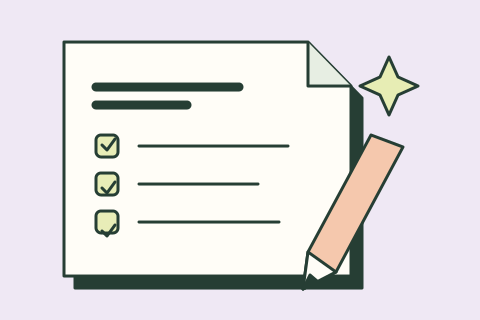
Choose one result and three checks. Keep the same brief for every tool.
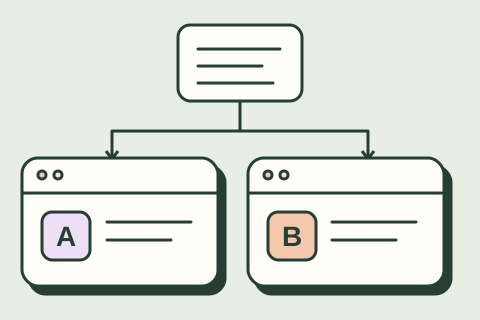
Copy the same sample into each tool. Keep the plan, settings and first result.
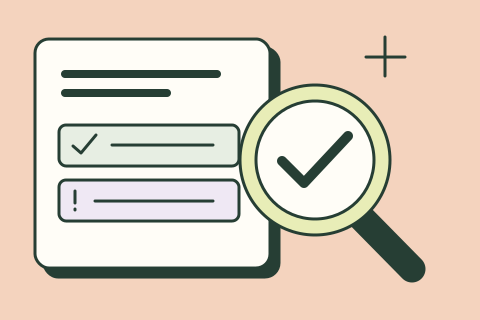
Check the work against the source. Count the fixes and the time they take.
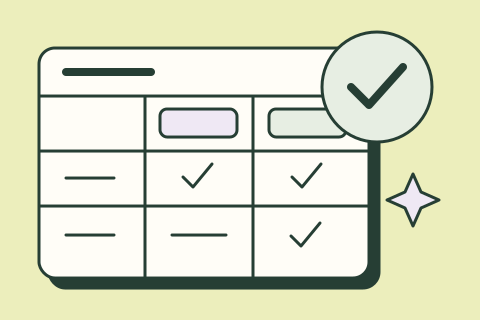
Compare quality, total effort and cost. Save your evidence and next step.
Open with the useful outcome, not a long title animation.
Record the few actions needed to reach that outcome.
Trim waiting, fix captions and check the crop.
Watch with sound on and off at phone size.
FICTIONAL DEMO BRIEF
Explain a request tracker in 60 seconds: show the Done state first; submit a sample request; show the owner updating its status; finish on the customer view. Use only synthetic data. Keep the cursor slow and the interface legible. End with: Try the sample workflow. Do not invent time saved or customer results.Product information reviewed November 11, 2026. Compare the documented differences below, then record your own results.
| Question | Screen Studio | Descript | Guidde |
|---|---|---|---|
| Choose it for | A polished screen demonstration with deliberate zooms and cursor motion. | Editing spoken material and its video through a transcript-centered workflow. | Turning a repeatable software process into instructional video documentation. |
| Input to prepare | A clean Mac demo environment and a short capture plan. | A recording with understandable speech and an accurate transcript. | A clearly defined process that can be captured step by step. |
| Review closely | Automatic framing, legibility and what the screen accidentally exposes. | Meaning after cuts, speech edits, captions and audio continuity. | Step order, generated instructions and whether a new viewer can follow them. |
| Before paying | Device compatibility, export requirements and license coverage. | Media/AI allowances, watermark/export limits and team access. | Creation limits, branding, sharing and export availability. |
| Done means | The viewer can identify the action and its result. | The shorter version preserves the speaker’s actual meaning. | A colleague can complete the process without extra explanation. |
These tools solve related but different jobs. A documentation walkthrough and a promotional demo may need different versions of the same source recording.
We may earn a commission through links marked “Affiliate link.” How we choose tools.
One complete task; readable interface; no private data; accurate captions; clear next step; actual export opens on mobile. Measure correction time as well as capture time.
Use the same permitted input, record the account plan and date, and include your corrections in the total effort. Stop if the tool needs access you cannot authorize.
Get the printable scorecard ↓Plans, features and terms can change. Confirm the details you need before purchasing or connecting. Source references above link to official documentation.
View Screen Studio ↗ View Descript ↗ View Guidde ↗